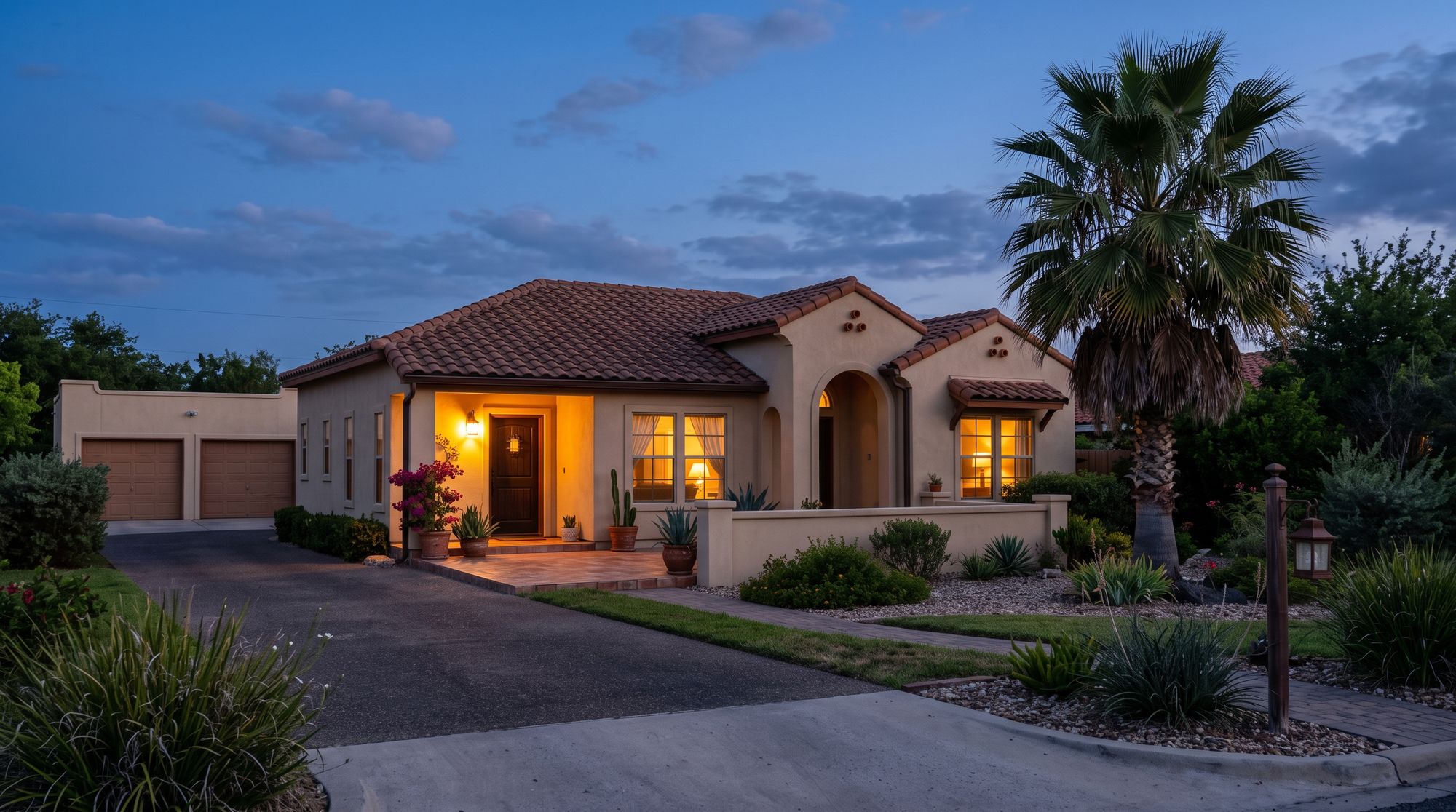
Lights, locks, the thermostat and the alarm set up to work together, so the house does the routine things on its own and you check it all from one app.
Most of what people do at the door every day is the same few steps. Automation turns those steps into one tap, or into nothing at all.
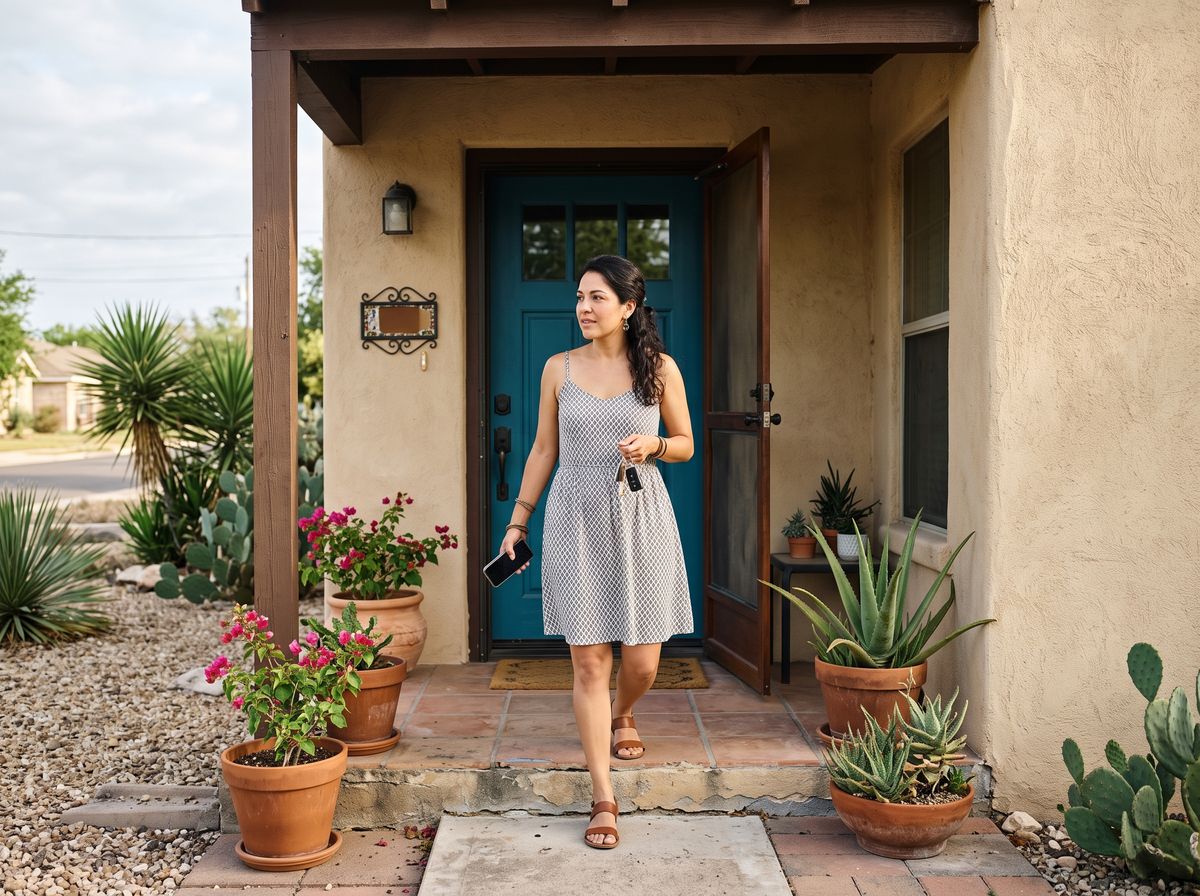
A "leaving" scene can lock the front door, arm the alarm, turn off the lights and ease the thermostat back in one tap. "Bedtime" can lock up, dim the hallway and arm the doors and windows while leaving motion off so you can walk to the kitchen.
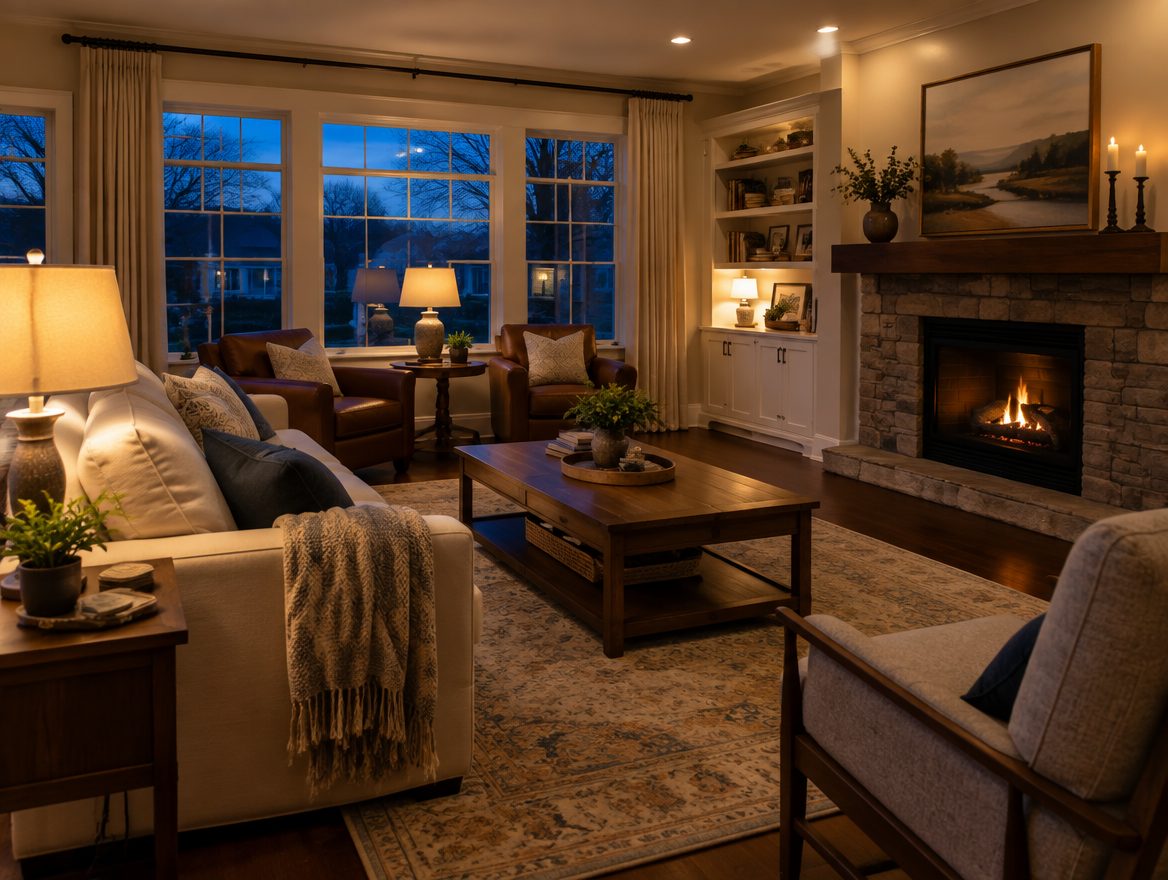
Porch and living room lights can come on at dusk and go off late, on a schedule that shifts with the seasons. For winter Texans who head north in spring, the house keeps looking occupied through the whole summer.
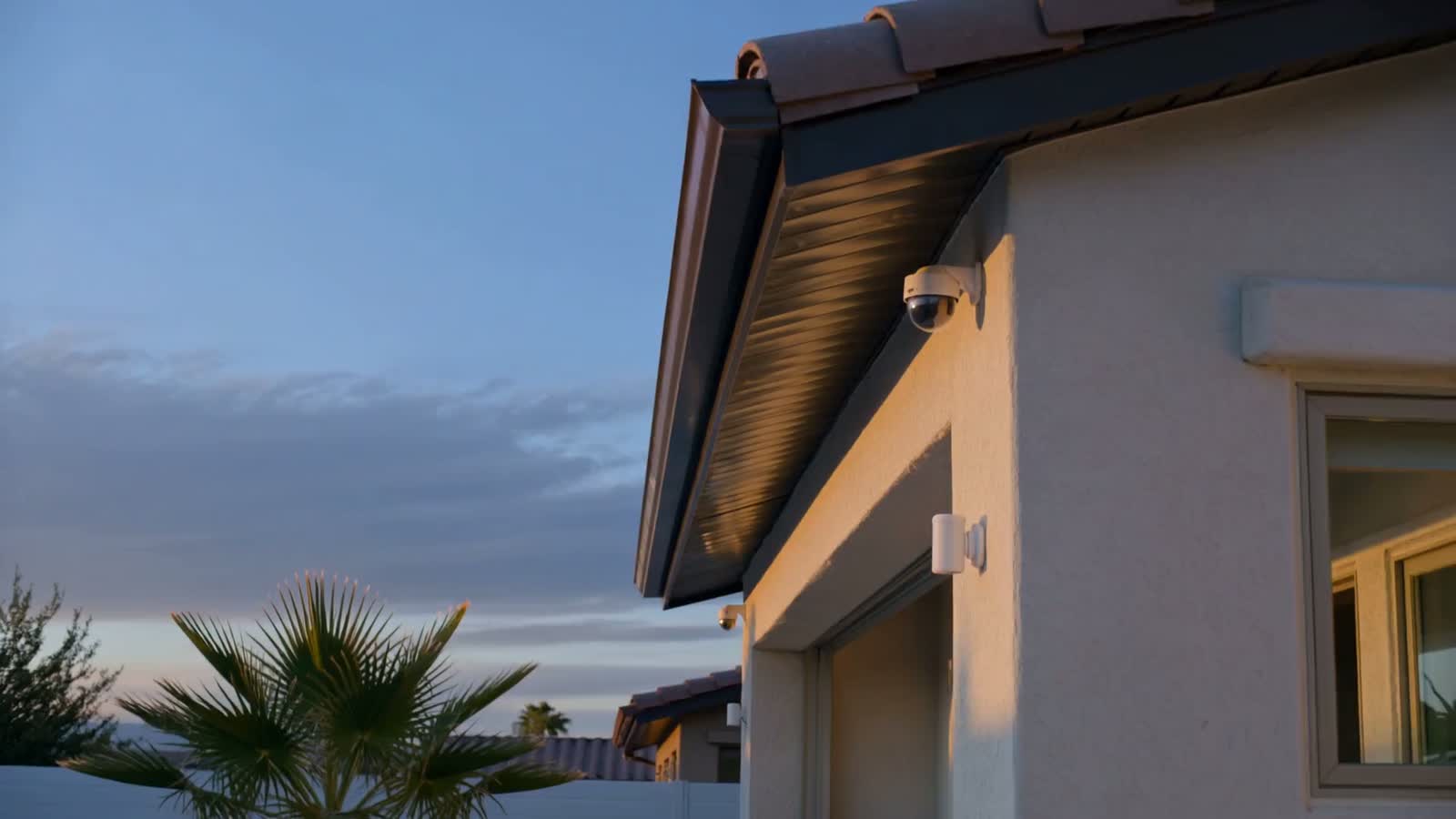
When a driveway camera sees a person after dark, the porch and garage lights can come on. When the alarm is disarmed in the evening, the entry lights can turn on so nobody walks into a dark house.
A smart home is only useful when the pieces share one app. Arming the system, locking the door and shutting off the lights stop being three chores and become one tap, or a schedule you set once.
Lights, locks and the thermostat on the times that suit your week.
One tap sets the whole house for leaving, coming home or going to bed.
The cameras and the alarm can set other things in motion.
We start with the things you do every day, then add only what earns its place.
Porch, driveway, garage and inside lamps on a schedule, a scene or a camera trigger.
Ease off the cooling when nobody is home and have it comfortable before you get back.
Lock every door with the "leaving" scene, and check them all at bedtime.
The same sensors that guard the house can turn on a light when a door opens.
We will walk the house with you, ask how your mornings and evenings actually go, and put a number on a setup that fits — no charge, and no pressure to sign anything on the spot.
Call (956) 624-2463Straight answers before anybody comes out to look at the property.
The automations work best when the alarm, locks and lights share one app, because that is what lets a "leaving" scene arm the system and lock up at the same time. We will tell you what makes sense for your house on the walk-through.
Sometimes. It depends on the switches, the wiring in the wall and which lights you want to control. We will look at them on the walk-through and tell you what can stay and what would need to change.
We set up the first ones with you around your routine, then show you how to change them in the app. You do not have to call us to move bedtime from ten to eleven.
It depends on the device and how it is connected. The alarm panel has battery and cellular backup, but some lights and thermostats need the home network for app control. We will explain which parts of your setup depend on what.
That is one of the best cases for it. Lights on a schedule, the thermostat kept in a safe range, and door sensors and cameras let you look after the house from up north instead of hoping a neighbor checks.
Yes. Each person can have their own login to the app, and the scenes are simple enough that nobody needs a manual. We will walk everyone through it after the install.
Yes. Plenty of people start with a few lights and the thermostat, then add locks or more scenes once they see how they use it.